
Create a product
Create a product with images, prices and variants, then view it in the storefront.
Catalogues›Products›Add product
Open back office ↗Explore our free Shopware 6 demo without registration: storefront, administration and Pickware. Get started in three steps.
Start right here – no login needed.

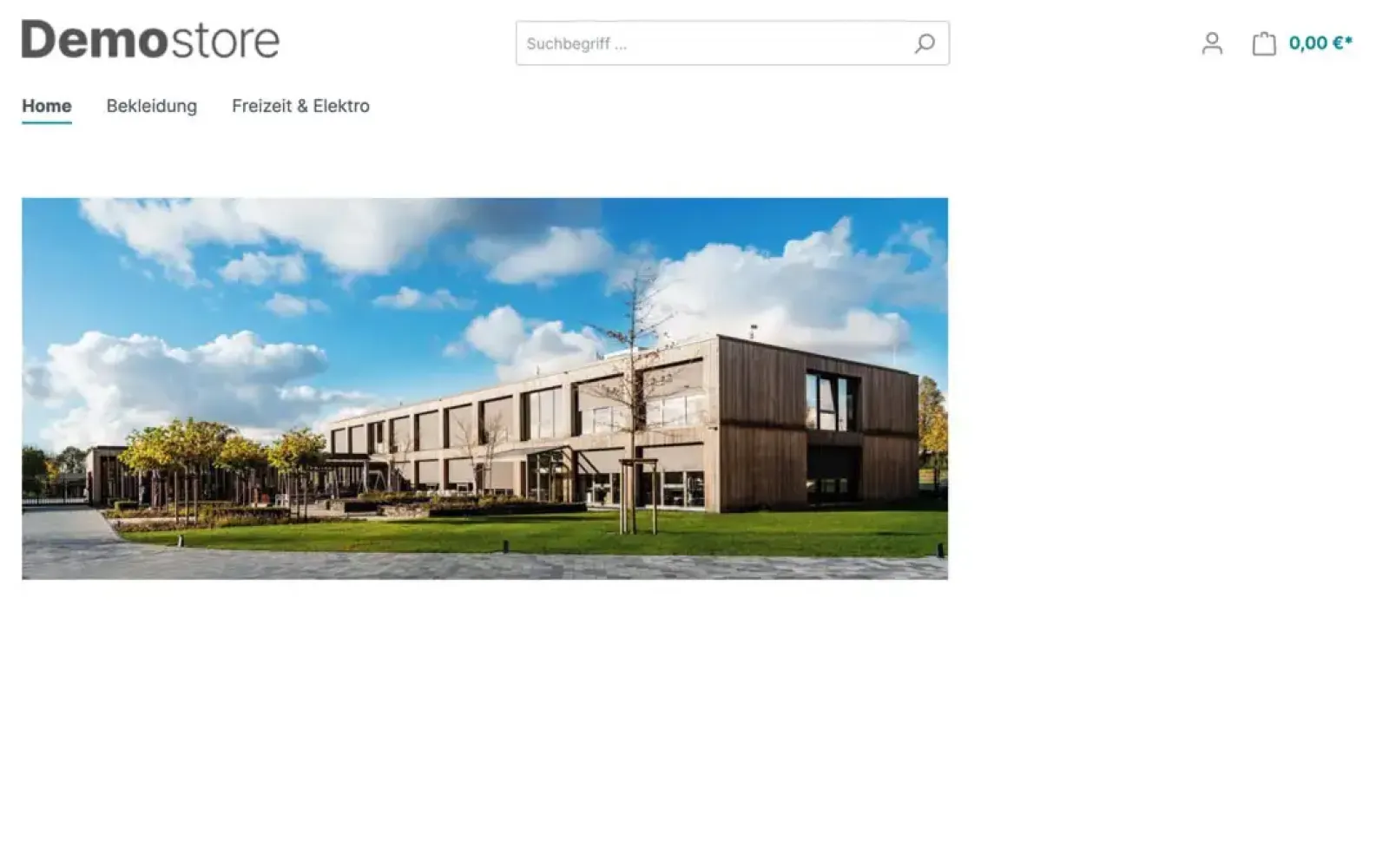
No login is needed to browse the store. You can create your own test customer account directly in the demo at any time to try the registration process too.
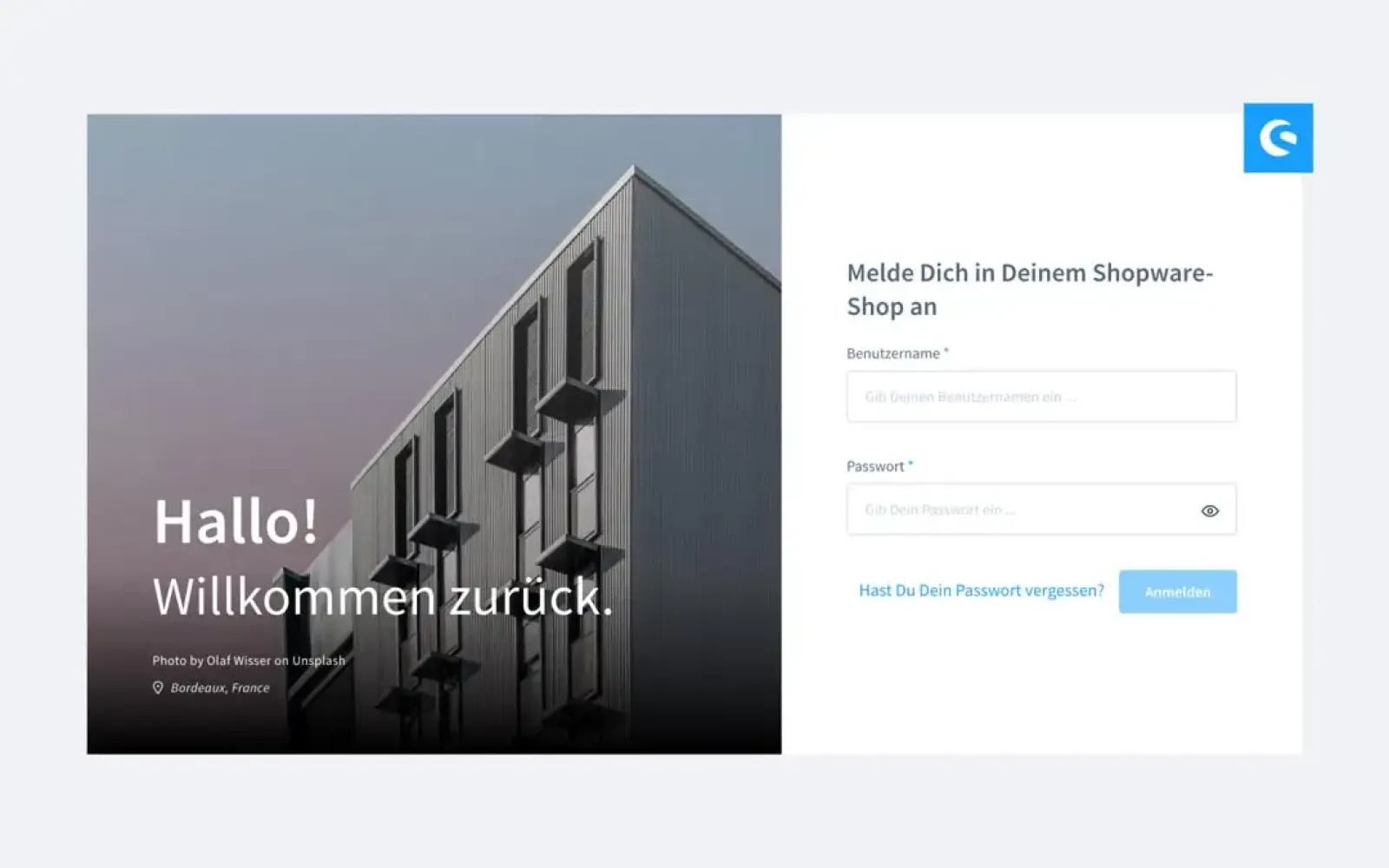
The sjmedia GmbH Shopware 6 demo is a free, publicly accessible test store based on Shopware 6.7 Community Edition. Explore the storefront and administration with Pickware ERP Pro, WMS and POS.
 Your Shopware contact
The best way to learn is to change something in the back office and see the result in the store. Each task takes just a few minutes.
Create a product with images, prices and variants, then view it in the storefront.
Build a landing page or category page using drag and drop.
Create a rule, for example free shipping from €50, and check it in the cart.
Add products to your cart and check the resulting order in administration.
Set up a voucher code and try it in the storefront.
Explore the installed extensions and their settings. Availability depends on the demo permissions.
View revenue, orders and popular products in the dashboard and available Pickware reports.
Explore stock levels, incoming goods and warehouse locations with Pickware ERP and WMS.
The public demo is shared by several visitors. A separate user can help avoid conflicts with a shared login. The video explains setup under Settings → System → Users & permissions. Menu paths may vary by version and permissions.
Watch the video →The demo is reset every few days. Changes are not permanent. Request a free 30-day instance for private testing without other visitors.
Request a private demo →Take a closer look at Shopware 6 in your own demo instance. Completely free, with no commitment. We will send your access details by email.
Request your own demo →Tell us what you need in the chat below.
Receive access details for your own instance by email.
Create products, explore modules and adjust the design at your own pace.
Explore the basics in the demo. We add further features with suitable modules, themes and custom development.
Connect your store to ERP, marketplaces and other tools through APIs. Each integration requires configuration or development.
Create landing pages and category pages with the visual page builder.
Manage metadata, structured data and search-friendly URLs.
Configure conditions for shipping, payments and other processes.
Configure languages, currencies and taxes for your target markets.
Privacy and legal requirements depend on your configuration, services and processes.
Symfony and Vue.js provide an extensible technical foundation.
The Community Edition has no platform licence fee. Check account and store terms, hosting and extensions separately.
Our service: We set up Shopware 6 on suitable hosting, professionally and ready to use.
Shopware 6 agency →The demo runs on the free Community Edition. We can show you features from Rise, Evolve and Beyond in a personal consultation – or add them through extensions.
| Feature | Community this demo | Rise | Evolve | Beyond |
|---|---|---|---|---|
| Shopping Experiences, Rule Builder, Flow Builder (basic) | ✓ | ✓ | ✓ | ✓ |
| Available in this demo | ✓ | – | – | – |
| AI Copilot (e.g. product descriptions) | – | ✓ | ✓ | ✓ |
| Cloud hosting by Shopware | – | ✓ | ✓ | ✓ |
| B2B Components (quotes, approvals, employee accounts) | – | – | ✓ | ✓ |
| Advanced Search | – | – | ✓ | ✓ |
| Multi-Inventory, subscriptions, Digital Sales Rooms | – | – | – | ✓ |
| Included GMV per year | up to 1 million € | 2 million € | 5 million € | individual |
| Support by Shopware | Community | 8 h | 4 h + phone | 1 h, 24/7 |
| Monthly list price (excluding VAT) | 0 € | from 600 € | from 2.400 € | individual |
As of October 2026, list prices according to Shopware, excluding VAT. Pickware is additionally installed in the demo and can also be used with the Community Edition.
Three short videos show how to use the demo and move from initial testing to a Shopware project. Videos are in German.
Video is loaded from YouTube only after you click.
Video is loaded from YouTube only after you click.
Video is loaded from YouTube only after you click.
What does it cost, how do I move my data and what do I need technically?
You often discover what makes an agency different in daily business: when someone who knows your store responds quickly.
Our support responds within one business day, Monday to Friday.
Shopware Bronze Partner with certified developers, template designers and template developers on the team.
Over 16 years of e-commerce experience and more than 250 stores supported.
More than 55% of our new clients come through recommendations – 4.9 stars from 111 Google reviews.
The Community Edition has no platform licence fee. Hosting, implementation and paid extensions incur separate costs. Rise starts at €600 per month and Evolve at €2,400 per month excluding VAT; Beyond is priced individually. Prices depend on GMV and other factors. Above €1 million annual shop GMV, a commercial plan is required to continue using the Shopware Account and Extension Store. This is not a general technical revenue limit of the open-source software.
Retailers and wholesalers who want a flexible store for B2C, B2B or international sales. Specific B2B processes, integrations and additional features may require a paid edition, extensions or development. We help you assess the fit.
Select Backend above and copy username demo and password demo2025. Open administration and sign in. A separate demo user can help avoid conflicts when several visitors share the same login.
Products, variants, customers, orders, content and Shopping Experiences, promotions, sales channels and settings. Extensions can add inventory, reporting and other tools. Availability depends on the version, permissions and installed extensions.
The demo uses the Community Edition and standard theme, with Pickware ERP Pro, WMS and POS added. Paid Shopware edition features are not automatically included.
Explore stock, incoming goods and warehouse locations in the installed Pickware tools, as well as available dashboard reports. WMS and POS workflows may also require suitable devices or apps; the browser demo does not replace a complete hardware test.
Yes. We help you decide whether Shopware fits your plans, with a clear assessment and no pressure.
The official 6.7 update guide lists PHP 8.2–8.4, Node.js 20 or newer, MySQL from 8.0.17 or MariaDB from 10.11. Some database releases are explicitly excluded. Redis 7 or newer is optional. Check the exact patch version and extensions against the current official update guide.
The public demo is shared and reset every few days, so changes are not permanent. Your private Shopware instance is reserved for you for 30 days, free and without commitment. We send access details by email.
Not every AI feature is enabled in this Community Edition demo. Shopware distinguishes included Intelligence features from the Intelligence+ add-on; access depends on feature, plan, version and activation. We clarify what is available for your project instead of promising all AI features in the public demo.
Yes. Explore the Shopware 6 interface and workflows before planning a migration. We review your data, extensions, redirects and SEO requirements, then plan a test migration and validation. A migration is not a guarantee against data loss or ranking changes.

Your details are used only to handle your request. Privacy
Your initial consultation is free, with no commitment. We listen, think it through and offer an informed assessment, whether you need a new store, migration or a private 30-day demo.
Prefer to speak directly? +49 7222 80 79 002