Why does Google show a different title for my online store?
Your SEO title is saved, but Google displays something else. How we investigate the cause and assess titles, store output and click-through rate together.
 Ewelina Schmidsjmedia GmbH · reviewed by Damian Rutkowski
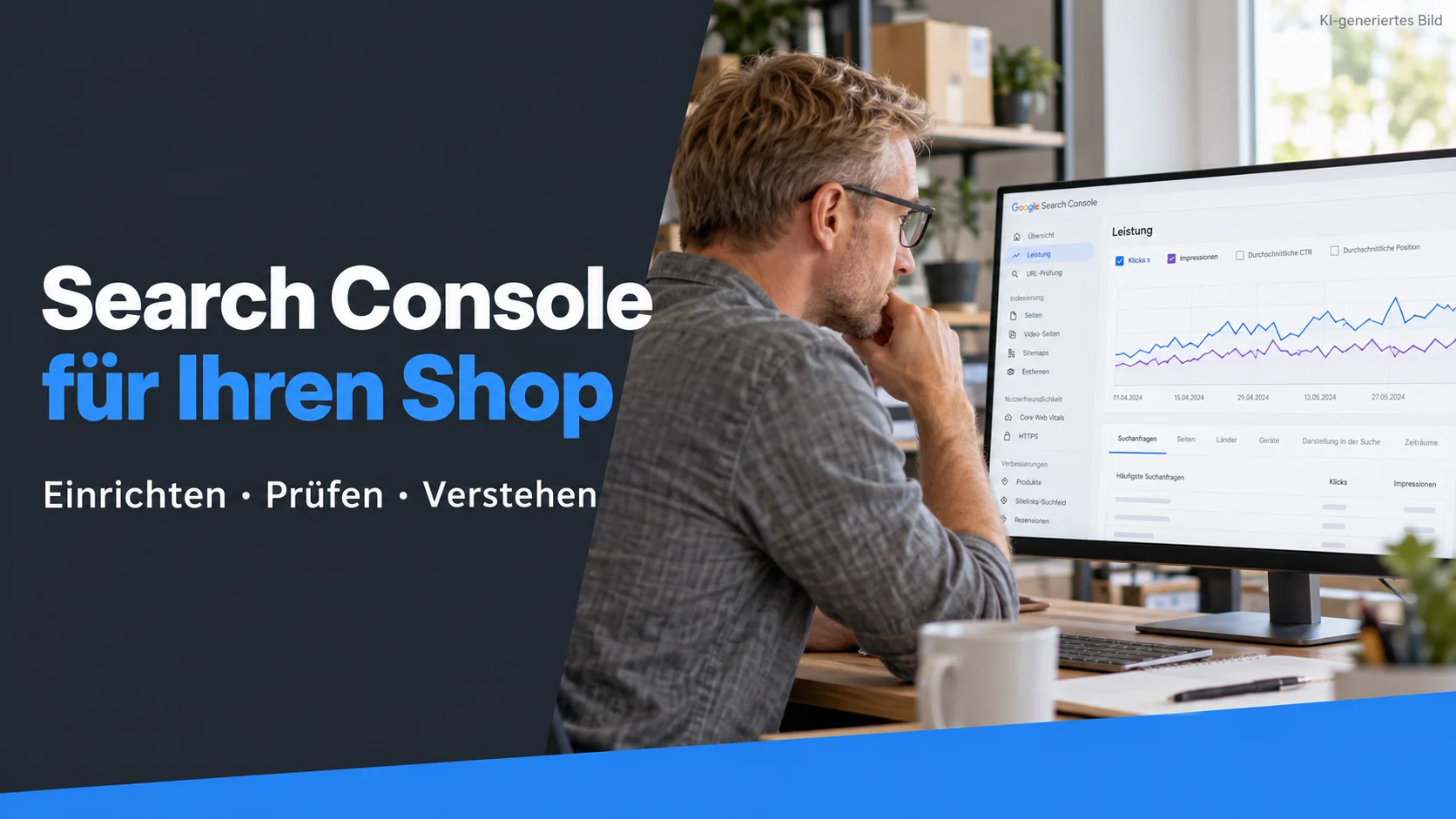
 AI-generated image
Quick answer
Google does not have to display your saved SEO title word for word. First check whether your store actually serves the intended title. If it does, compare the title, main heading and page content for inconsistencies. A different Google title is not automatically an error; what matters is whether it describes the offer accurately.
You have changed a page title in your store. It looks right in the browser, yet Google still displays something different. Before rewriting every SEO field, distinguish two situations: is your store already serving the wrong title, or is Google creating a different title link from the correct page? At sjmedia, that is where we start. The answer determines whether content, the theme or a data import needs attention next.
Key takeaways
- Compare the saved title, actual page output and Google result separately.
- Write titles around page type and customer intent rather than a fixed character rule.
- Evaluate changes using comparable pages and search queries.
Why does Google not use my exact SEO title?
Your saved SEO title is a suggestion for the search result. Google creates title links automatically, considering the title element alongside information such as visible headings and link text. Unclear, repetitive or outdated titles may be replaced. A different result does not, by itself, prove a technical fault. Source: Google on title links.
For a merchant, the important question is whether the result describes the right offer. A long title shortened to a clear product name does not necessarily need fixing. An expired promotion or a category presented as a single product deserves closer attention. We assess the difference against customer expectations rather than checking whether every character was retained.
How do I find out where the wrong title comes from?
Start with one specific URL and the query that exposed the issue. Record the date and device. Then compare the back-office title with the title element actually served by the page and its main visible heading. The browser tab gives an initial clue; our technical checks also examine the source and rendered page.
If the output is already wrong, we address the store first. Better wording in the back office will not resolve that mismatch. If the output is correct, we document the difference in search and assess the content and headings together. Repeatedly replacing a title on suspicion makes subsequent evaluation harder.
Six targeted checks provide a useful starting point:
- Which URL appears for which search query?
- Does the saved SEO title match the title element served by the page?
- Do the main heading and title describe the same product or category?
- Do other pages use almost identical titles or outdated promotional claims?
- Does the correction survive a cache refresh and the next data import?
- Are the German and English versions each accurate and linguistically consistent?
- Understand search needs
- Match content
- Check the technology
- Monitor progress
What should I have checked in PrestaShop?
PrestaShop provides SEO fields for products. Within a theme, the meta title and visible product name are separate pieces of information: its developer documentation describes page.meta.title and product.name, among other variables. This distinction helps during diagnosis because a product name change is not equivalent to every customised title rule. Source: PrestaShop template variables.
We would first trace where each value originates for a small selection of affected products. We would then examine theme changes, SEO modules and, where applicable, ERP or PIM imports. If the next import replaces a manual correction, ownership of that field needs to be settled. Otherwise, the same work starts again the following day.
For us, this is one of PrestaShop's strengths: with suitable technical support, its output can be investigated and adapted to specific requirements. That still requires a clear rule and a check after implementation. Another SEO module is not automatically the answer. Our separate guide covers PrestaShop SEO settings; this article addresses differences between saved information, page output and the search result.
How should I write a better title for my store page?
Begin with the buying decision that the page supports. A customer should be able to tell whether it presents a product range, a specific model or a guide. We would define a title rule for each page type and test it against real examples. A single formula for the homepage, categories and every product is too crude.
Here is a hypothetical example: a specialist merchant calls every category “Buy affordable tools online”. For a category containing torque wrenches, “20–200 Nm torque wrenches for workshop use” would be more specific, provided the range and intended use support that statement. We would mention free delivery or immediate availability only where it reliably applies to the relevant page. This is a wording example, not a documented customer case study.
Google does not specify a fixed character limit that guarantees a full title display; results may be shortened to fit the available width. We therefore place the most useful distinction early and review a preview at several widths. Even a good preview cannot guarantee the eventual result. Source: Google on title links.
Should I change my meta description at the same time?
Only if the description is also unsuitable. The meta description and title link are separate parts of a search result. Google primarily creates descriptions from page content and may use the meta description when it is a better fit. Different searches can produce different extracts. Source: Google on snippets.
We write descriptions that add useful detail to the title, such as product selection, compatibility or the scope of a guide. We also check that customers can find those details on the destination page. An appealing promise that disappoints after the click would not be an improvement for the store.
How can I tell whether the change attracts more relevant visitors?
Record the affected URLs, old and new titles, and the change date. In Google Search Console, we compare suitable periods and examine the affected pages and queries by country and device. Clicks, impressions, click-through rate and position need to be considered together. The store-wide click-through rate cannot answer the question on its own. Source: Search Console performance report.
If click-through rate increases while rankings improve substantially, the gain cannot be attributed cleanly to the new title. If many new queries appear, the average may fall even while important pages perform better. With very few impressions, we wait for a more meaningful sample instead of treating two extra clicks as proof of success. Further along the journey, we consider relevant enquiries or orders where the available tracking supports that analysis.
How can sjmedia help with unexpected Google titles?
Our SEO services for online stores connect editorial review with technical output. We would identify affected page types, document title rules and data ownership, and coordinate the necessary changes with store development. Afterwards, we check whether the correction remains in place and how the selected landing pages perform.
The same approach applies to Shopware and Shopify: first establish where the difference originates. We cannot promise a particular Google display or additional mentions in AI answers. Our objective is an understandable, accurate presentation of your offer, supported by an implementation that continues to work in everyday store operations.
Sources & further reading
Cite this article
Ewelina Schmid (sjmedia GmbH, Kuppenheim): Why does Google show a different title for my online store?. 13 Nov 2026. https://www.sjmedia-consulting.de/en/wissen/seo/google-zeigt-anderen-titel
Author & technical review

Related to this topic.


Questions about this topic? Let’s talk about it.
I’ll listen to your situation and discuss which next steps suit your store.